How to put your daily menu on your website (so people actually see it)
Around 11:30, half the office pulls out their phones to decide where to eat. If your site shows last week's menu or a blurry photo of the chalkboard, they'll pick somewhere else. Here's how to keep your daily menu online, easy to read, and updated in five minutes.
Skip the chalkboard photo
A photo of the menu board is quick to post, but it's hard to read on a phone and search engines can't read the text in it. A PDF loads slowly on mobile and often ends up buried in someone's downloads.
A menu typed as text:
- reads on any phone without pinching and zooming,
- can show up when people nearby search for “lunch menu,”
- takes seconds to change, with no photos to take or files to upload.
Give it one permanent address
Put your daily menu on its own page or section with the same address every day, like yoursite.com/daily-menu. Don't make a new page each day. People can bookmark it, and search engines learn where to find it.
Add a clear Today's menu button to your homepage. Someone hungry at noon doesn't want your origin story first.
Name the page the way people search, for example “Daily lunch menu – Parkside Bistro, Millbrook.” Having your town in the title helps nearby customers find you.
What one day should look like
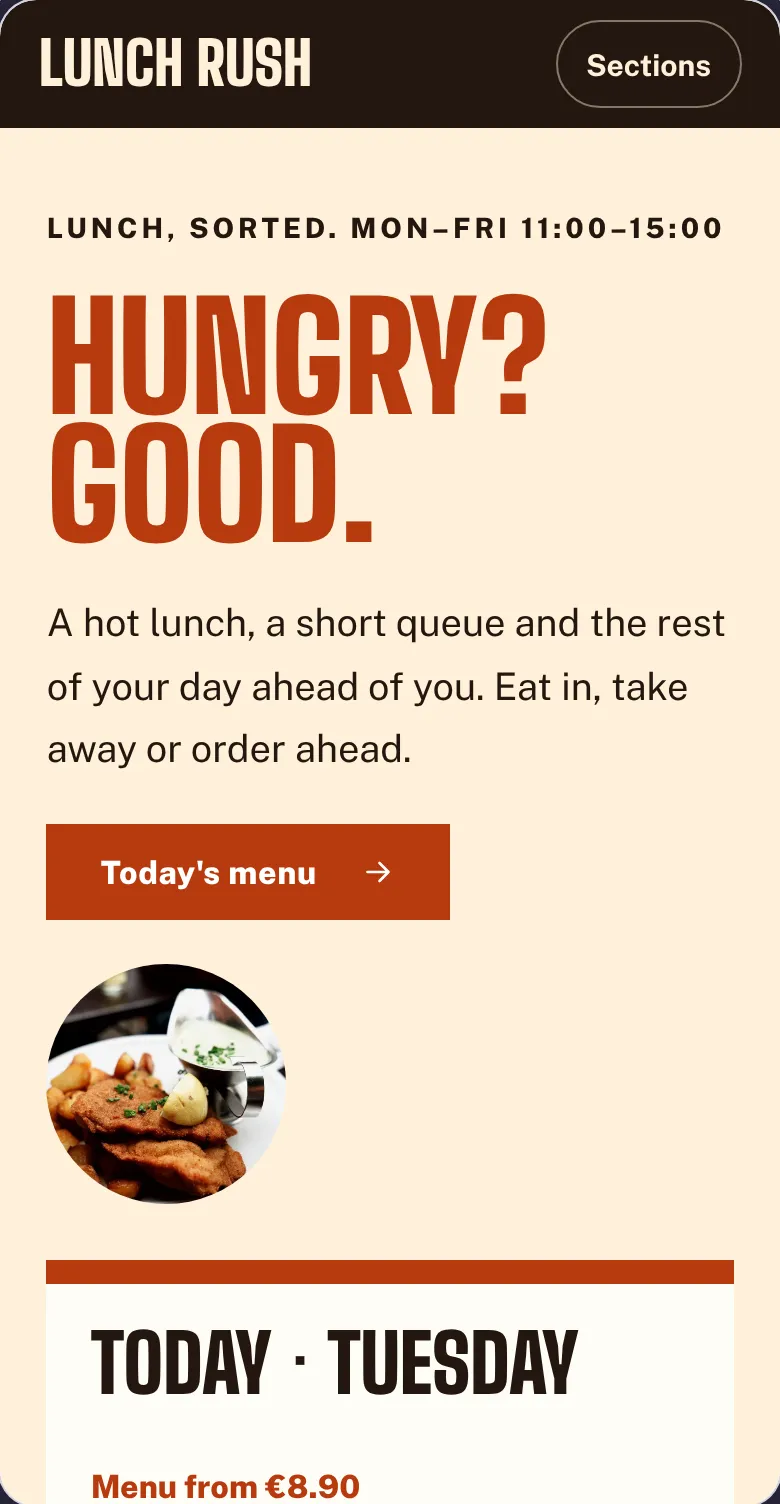
Use the same layout every day. Regulars learn it fast, and you fill it in fast:
- Date and weekday, so it's obvious the menu is today's.
- Soup with the portion size.
- Main dishes with a short description, portion, price and allergens.
- A vegetarian option, if you have one.
- Serving hours, such as 11:00–14:00 or “until it's gone.”
- Takeaway details, like the price of a container or whether you take phone orders.
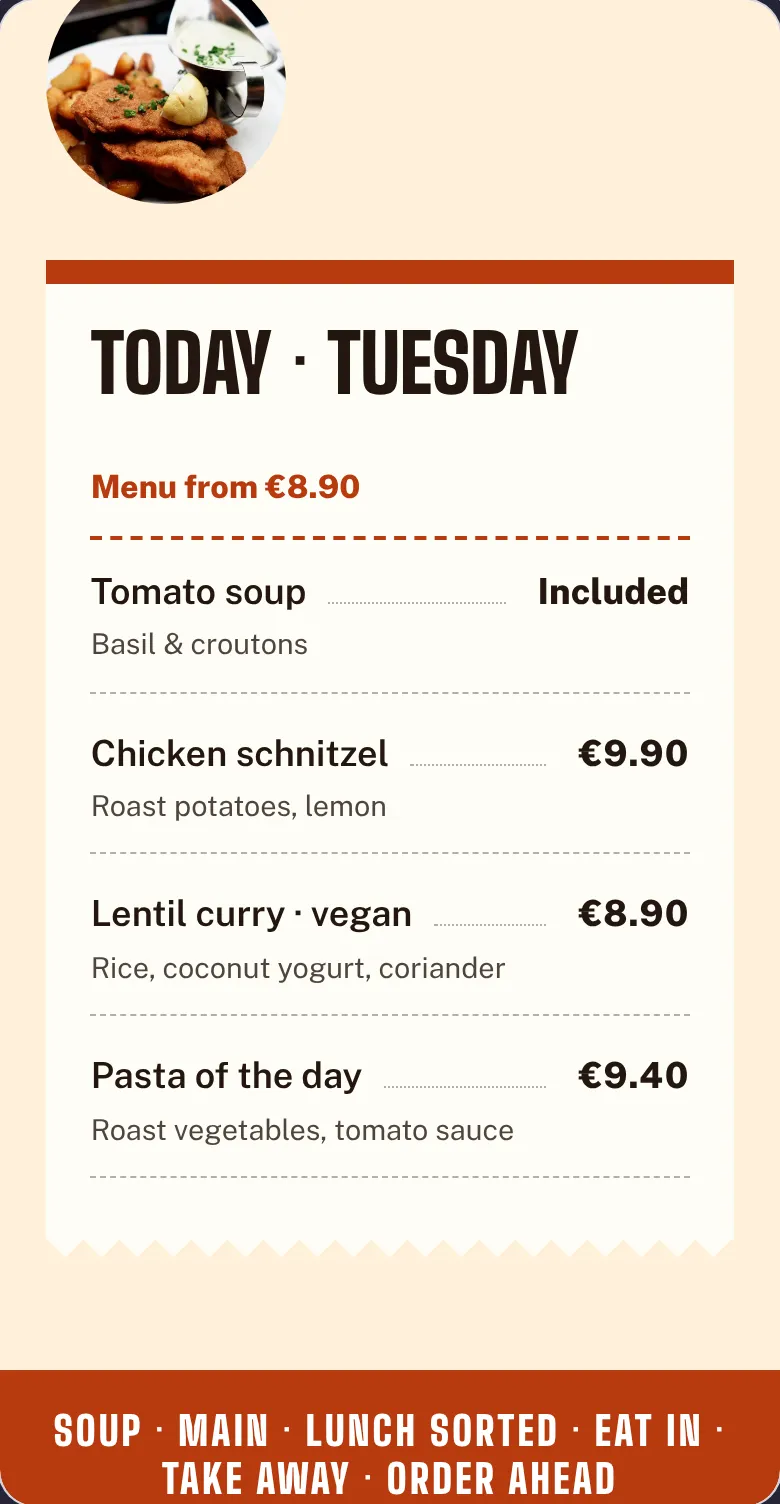
Example:
Tuesday, 3 March
Soup: Tomato soup with basil, 0.33 l (contains celery)
- Chicken schnitzel with potato salad, 150 g (contains gluten, egg, mustard) – €9.50
- Beef goulash with bread dumplings, 150 g (contains gluten, egg, celery) – €9.90
- Mushroom risotto with parmesan, 300 g, vegetarian (contains milk, celery) – €8.90
Lunch served 11:00–14:00.
In the EU, you have to give allergen information for the dishes you serve. How you show it, and whether you also need portion sizes, depends on your country, so check with your local food authority.
Weekly or daily?
Both work. Pick the one that fits your kitchen.
- A weekly menu gets written once on Monday. It suits kitchens that plan ahead. Highlight today so people don't have to hunt for it.
- A daily menu is more flexible. It suits cooks who build lunch around what came in that morning.
Either way, delete past days. Last week's menu makes it look like nobody's minding the place.
Dish names people can picture
“Chicken, side” doesn't make anyone hungry. You don't need fancy copy, just specifics:
- Say how it's cooked. “Roasted chicken thigh with thyme” beats “chicken.”
- Name the side. Rice, potatoes, dumplings? People choose based on it.
- Flag spicy or vegetarian dishes. One word in parentheses is enough.
- Drop kitchen shorthand. “Chx thigh w/ rst pot” only makes sense to the cook.
People also ask whether they can take lunch away. If they can, add one line under the menu, like “Everything's available to take away – call ahead by 11:00.” It saves you phone calls during the rush.
A five-minute routine
Daily menus go stale mostly because nobody gets around to updating them. A simple routine fixes that:
- One person owns it, with one backup.
- One set time, like 16:00 the day before or 9:30 the same day.
- One template. You only swap dish names and prices.
- One check on your phone to make sure the date is right.
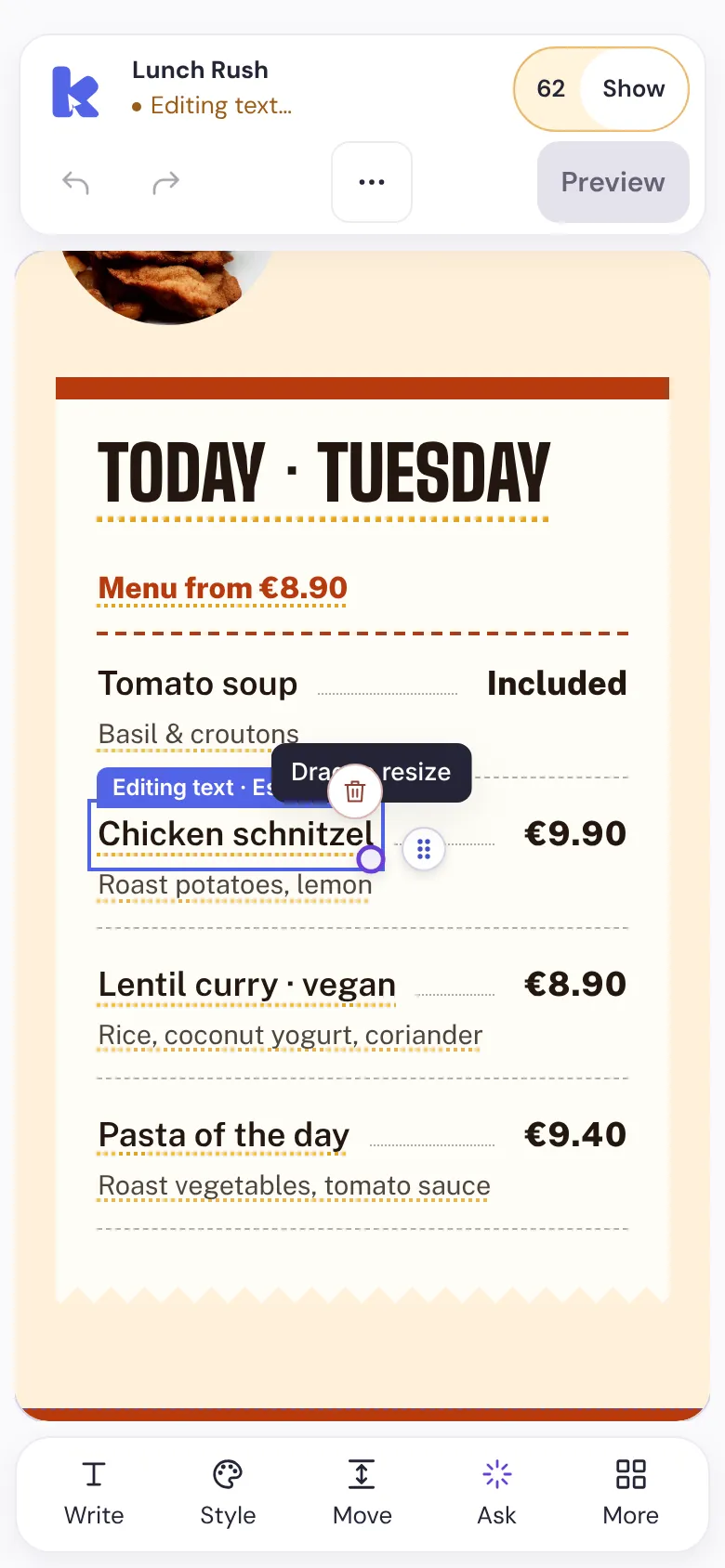
If your notes are full of kitchen shorthand, the Ask helper can turn them into clear menu lines. Always double-check dish names and allergens afterward.
Get the menu in front of people
Your website is home base, and you can point to it from other places:
- Google Business Profile lets you post updates and link to your menu. If you're not listed yet, see how to get your business on Google Maps.
- Facebook and Instagram: a quick post or story with a link to your site. No need to copy the whole menu.
- A sign by the door with a QR code that opens the menu page.
What it must have
- Date and weekday on the menu
- Typed text, not a photo or PDF
- Portion, price and allergens
- An allergen key, if you use numbers
- Serving hours
- A Today's menu button on the homepage
- One permanent address for the menu page
FAQ
Do I have to list allergens online?
It depends on where you operate. In the EU, if people can order food through your website or by phone, allergen information has to be available before they finish the order. Even where it isn't required, listing allergens helps guests decide before they come in. Check the rules with your local food authority.
What if a dish sells out?
Cross it out or add “sold out.” Whoever shows up at 13:30 will appreciate knowing ahead of time.
Isn't posting it on Facebook enough?
Facebook helps, but posts get buried fast and not everyone uses it. Your website keeps the menu in one place, and search engines can find it.
Give it a try
A daily menu doesn't have to be a daily chore. In Klikuno you pick a restaurant look, set up your menu template once, and from then on just swap in the day's dishes.
Ready when you are
Your corner of the internet is waiting.
Free while in early access
