What a guesthouse website needs to get bookings
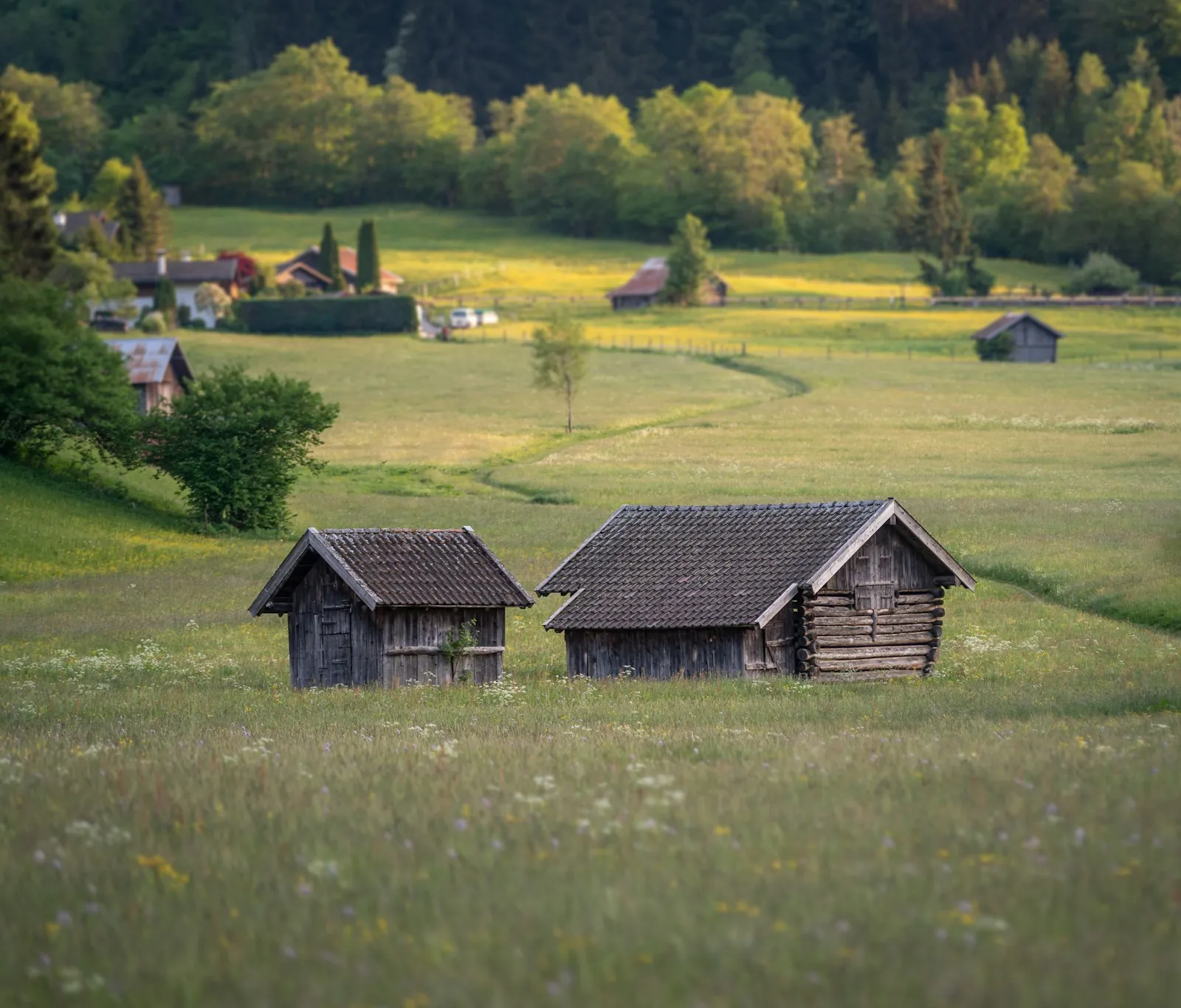
A guest decides on a trip to the mountains, finds your guesthouse on a booking platform, then searches for you on Google. If they find an old site with no prices and three photos, they go back to the platform. If they find a clear site with rooms, prices and an easy way to book, they can book directly with you. Here's what that site must have.
What guests look for first
Anyone choosing a place to stay has five questions:
- What does it look like?
- How much is it?
- Is it free on my dates?
- Where exactly is it?
- How do I book?
Your website should answer them in that order. Everything else, like the history of the house or a long welcome text, can go further down.
Room photos with no surprises
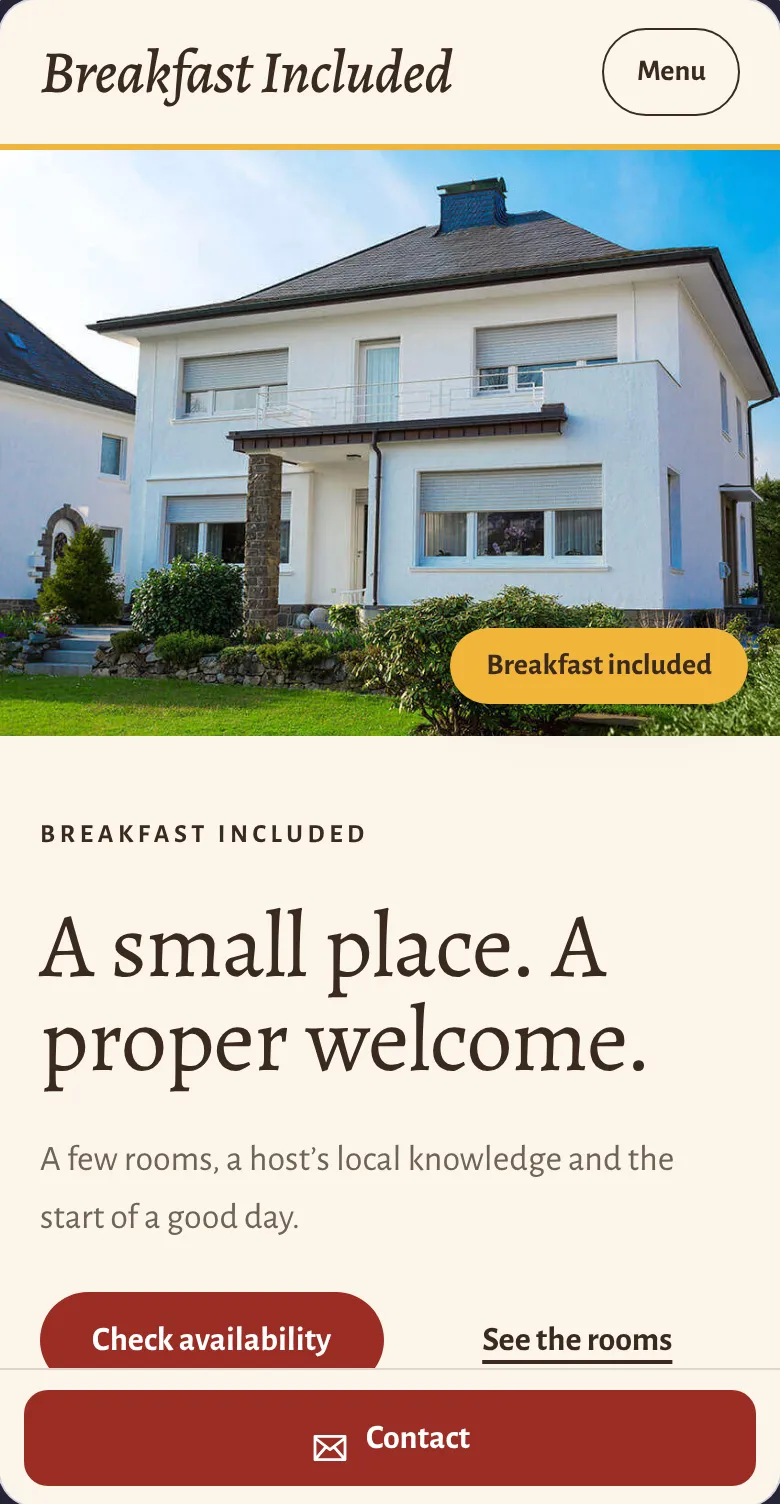
Photos decide most bookings. Guests want to see exactly what they're paying for.
- Every room separately. The beds, the bathroom and the view from the window. If two rooms are identical, say so.
- Shared spaces. Breakfast room, kitchenette, garden, fire pit, ski room.
- The surroundings. The road to the house, parking, the nearest viewpoint or lake.
- Daylight and a tidy room. Shoot during the day, with the curtains open and no bags on the chairs.
Only have summer photos and it's winter? That's fine, but add winter ones too. Don't use photos from other websites or ones someone else uploaded to a booking platform. For free photos of the area from Unsplash or Pexels, check the license.
Rooms and prices without guesswork
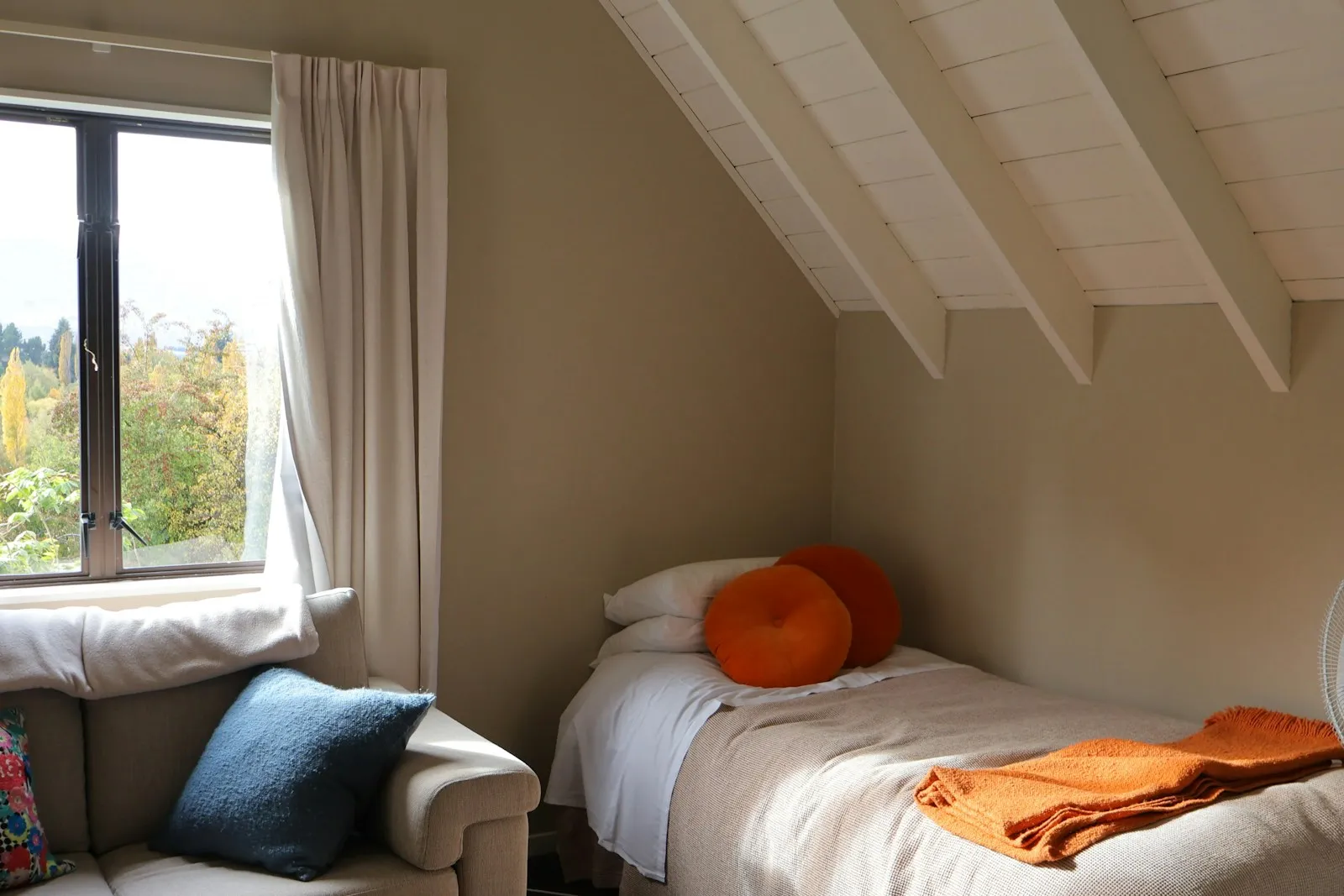
Give every room or apartment a short card:
- how many people it sleeps and what the beds are,
- whether the bathroom is private or shared,
- what's in the room: fridge, kettle, TV, Wi-Fi, balcony,
- the price per night and how many guests it covers,
- what's included and what isn't: breakfast, parking, cleaning, bed linen.
If prices change by season or you have a minimum stay, put that right next to the price, not in the small print. Many towns also charge a tourist tax per guest and night. The rules differ by town and country, so check with your town hall, and say whether the tax is included in your price.
Booking in one tap
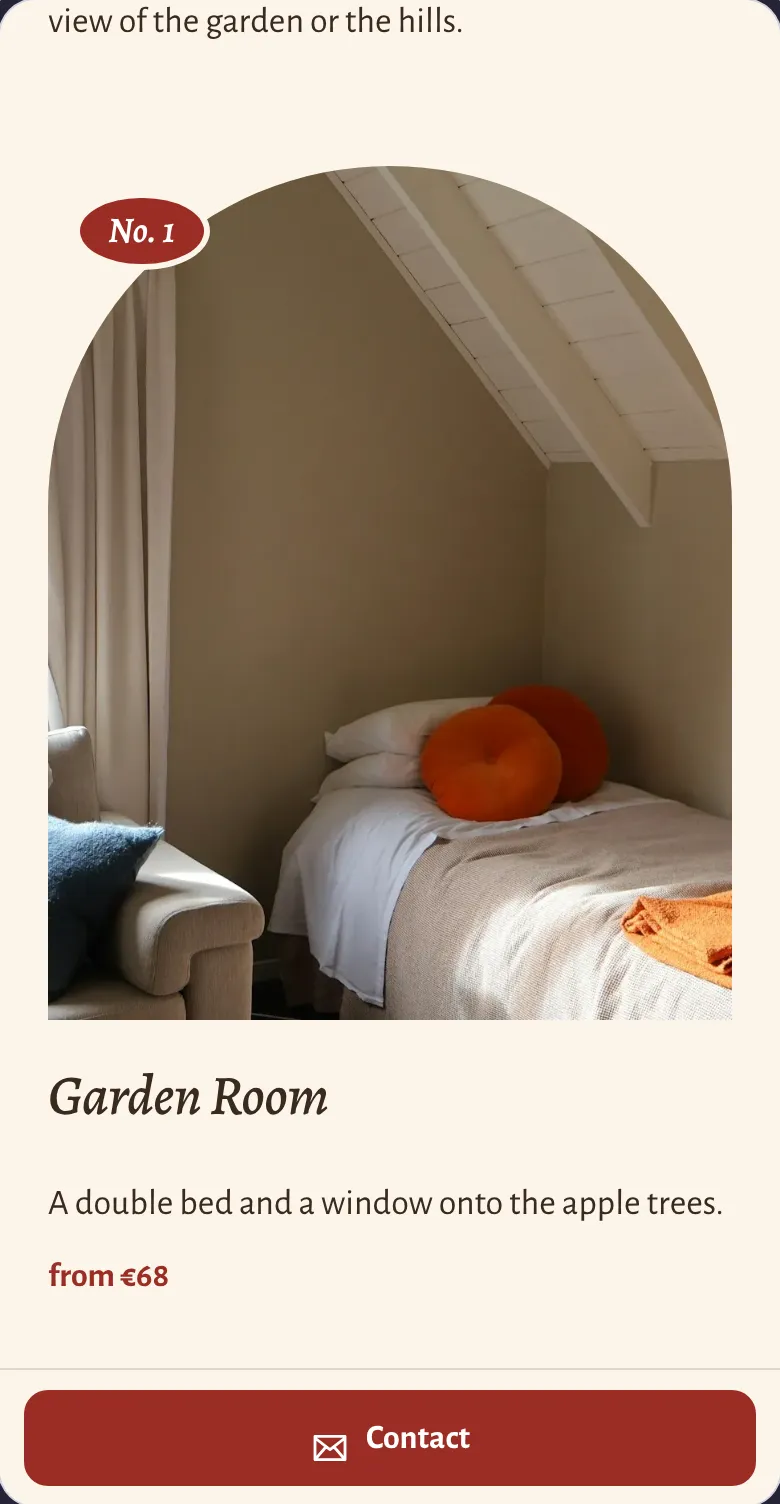
This is the most important part of the site. Put a Check availability or Book now button on the first screen and next to every room.
You have three options, from simplest to most automated:
- Phone and email. Works if you reply quickly. Say when people will hear back, like “we reply within 24 hours.”
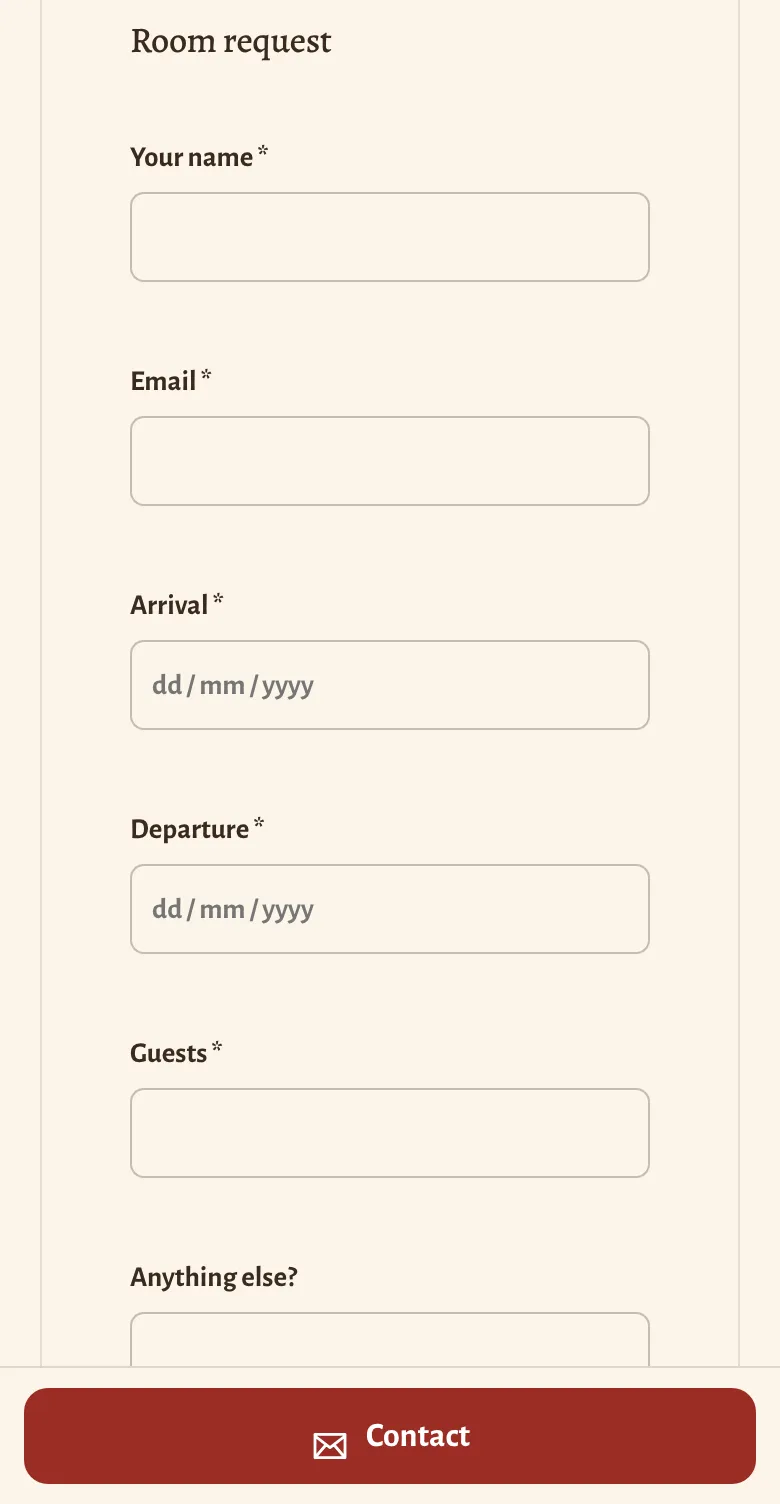
- A booking request form. Guests enter arrival and departure dates, number of guests, room and contact details. You confirm the dates and price.
- A booking system with a calendar. Guests see free dates and book right away. If you're also on booking platforms, choose a system that can sync calendars so the same night never gets sold twice.
Whichever you choose, spell out the terms: deposit, cancellation policy, check-in and check-out times. If your form collects personal data, add a short note next to it: who you are, why you need the data and how long you keep it, with a link to the details. Ask only for what you need for the booking. In the EU this is a GDPR requirement; elsewhere, check your local privacy rules.
Location, directions and the area
Under the map, explain how to get there by car, train or bus, and where to park. If the last stretch is unusual, like a steep hill or a gravel road, say so up front.
Then add a few local tips: where to hike, where to eat, where the nearest shop is. It doesn't need to be a travel guide. Three to five places you'd recommend to a friend are enough. If you're not on Google Maps yet, see how to get your business on Google Maps.
Trust: who you are and what guests say
People like to know who they'll be staying with. Add a photo and two sentences about you, for example “We've run the guesthouse since 2015, and breakfast eggs come from our neighbor's hens.”
Guest reviews are powerful, but don't copy them from booking platforms and never make them up. Link to your reviews on Google or on the platform where guests wrote them instead.
At the bottom of the page, add your contact details and who runs the business. In the EU, that means at least your business name, address and email, plus your register and registration number and VAT number if you have them. Other countries have their own rules.
Languages
If guests come from abroad, offer your site in at least one more language. You don't have to translate everything, but rooms, prices, booking and directions must be clear to them.
What it must have
- Photos of every room, bathroom and the surroundings
- A room card with beds, amenities and price
- A clear list of what's included and what isn't
- A Book button on the first screen and next to each room
- Terms: deposit, cancellation, check-in and check-out
- Map, directions and parking
- Contact details and business information
FAQ
Do I need my own website if I'm on a booking platform?
The platform brings guests who don't know you yet. Your own site is where they land when they search for you, and where returning guests come back to. With a direct booking you only pay your own costs, not the platform's commission.
Should I show prices on my website?
Yes. A site without prices makes guests write and wait, and many would rather book where they can see the price right away. A “from” price with the exact total at booking is enough.
How should I handle deposits?
Say clearly what percentage you ask for, by when and how to pay it, and what happens if the guest cancels. Repeat the same terms in your confirmation email.
Give it a try
A good guesthouse website isn't about effects. It's about letting guests see the rooms, the prices and the way to book, fast. In Klikuno you pick a look for accommodation, add your rooms, and let Ask help with the words.
Ready when you are
Your corner of the internet is waiting.
Free while in early access
