Wedding website: what to include and how to share it
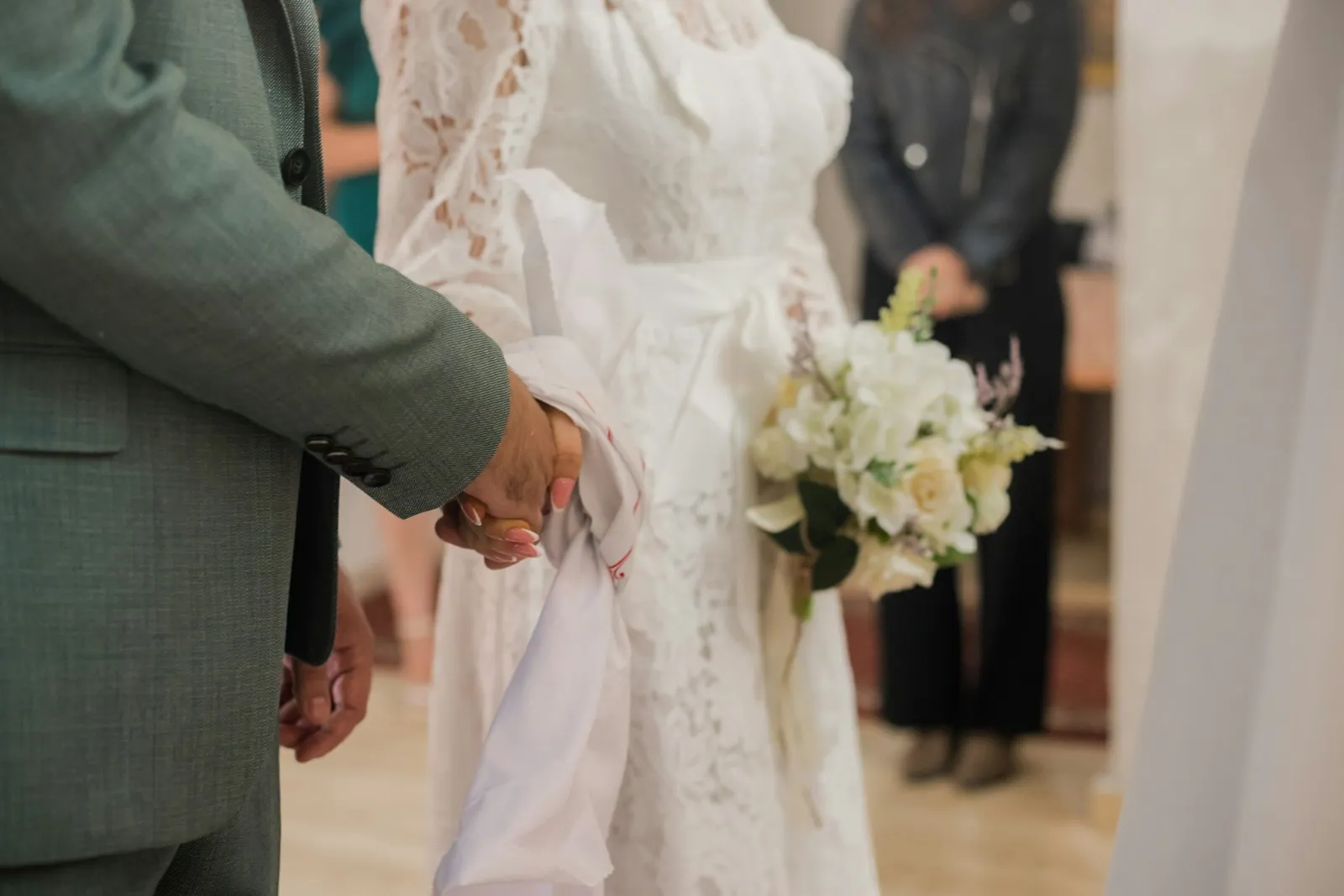
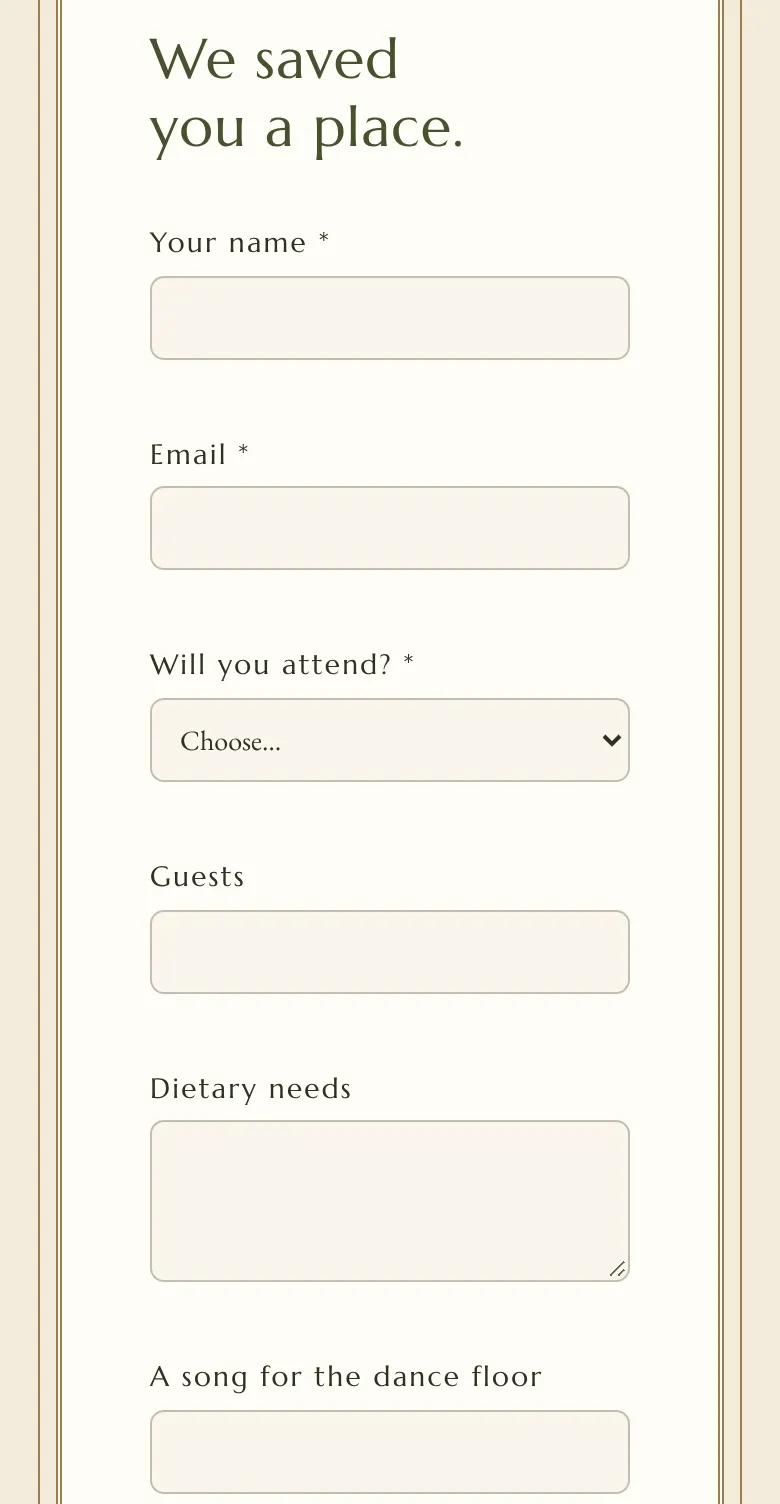
Once the invitations go out, the same questions start coming in: Where exactly is it? Where do we park? Can we bring the kids? A wedding website answers them once, for everyone. Here's what to put on it, how to handle RSVPs, and how to get it to every guest.
What belongs on a wedding website
It isn't the full story of your relationship. It's a practical guide to the day that a guest can open on their phone on the way to the ceremony. Make sure it has:
- When and where. The date, ceremony and reception times, exact addresses and a map.
- The schedule. Ceremony, congratulations, dinner, cake cutting, first dance.
- Travel and parking. How to get from the ceremony to the reception, whether there's a shuttle, where to park.
- Places to stay. Nearby accommodation and when guests need to book by.
- Dress code. One sentence, ideally with an example.
- RSVP. A form and the date to reply by.
- A contact person. A phone number for the best man, maid of honor or a coordinator, not the couple, who'll be busy that day.
A short story of how you met is a lovely extra. Put it further down.
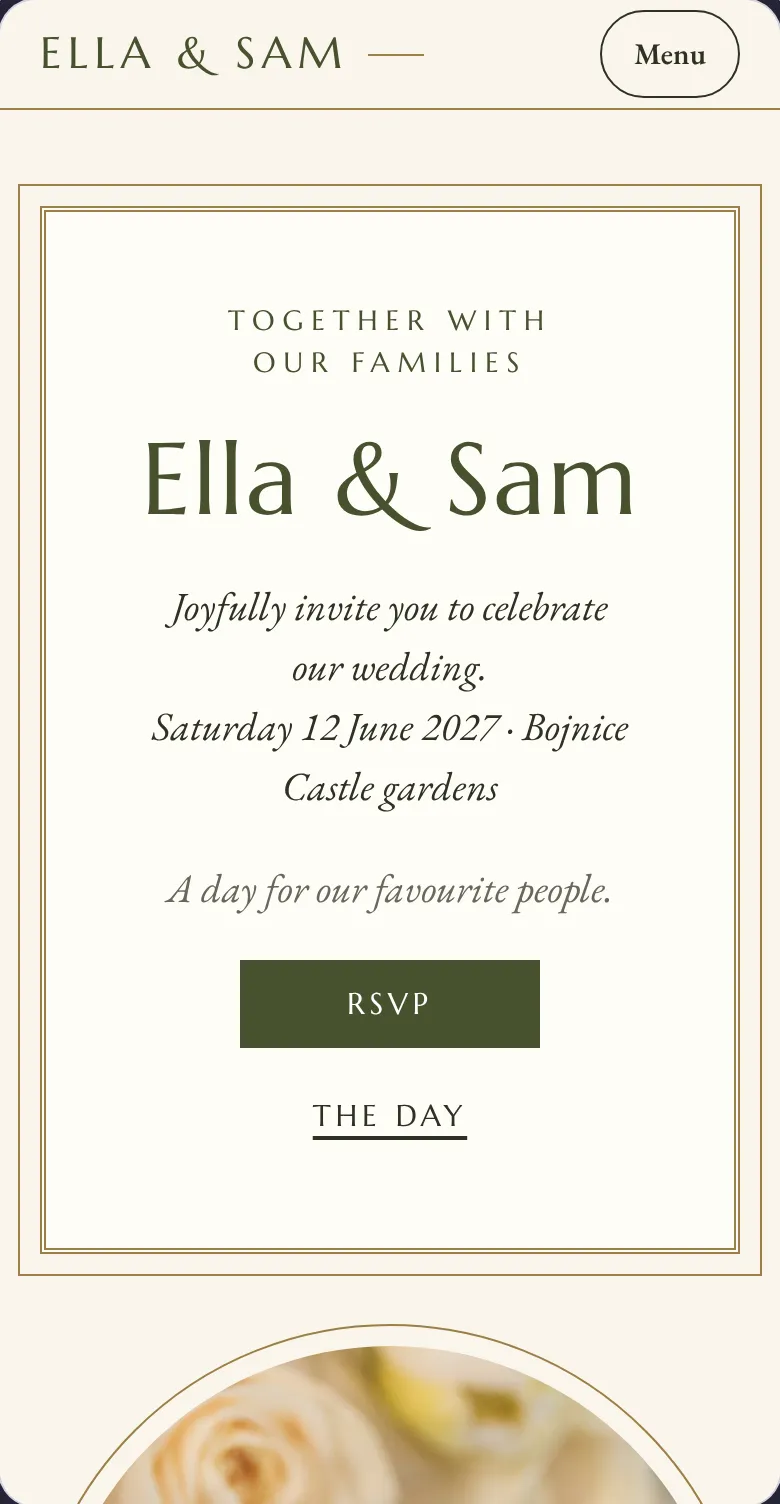
A schedule that reads well on a phone
Write the schedule as a simple timeline: time, what happens and where. For example:
- 13:00 – ceremony in the castle garden,
- 14:00 – congratulations and photos,
- 15:00 – dinner in the main hall,
- 21:00 – first dance.
You don't need every minute. Guests need to know when and where to be, not the full script. If times might still change, say so.
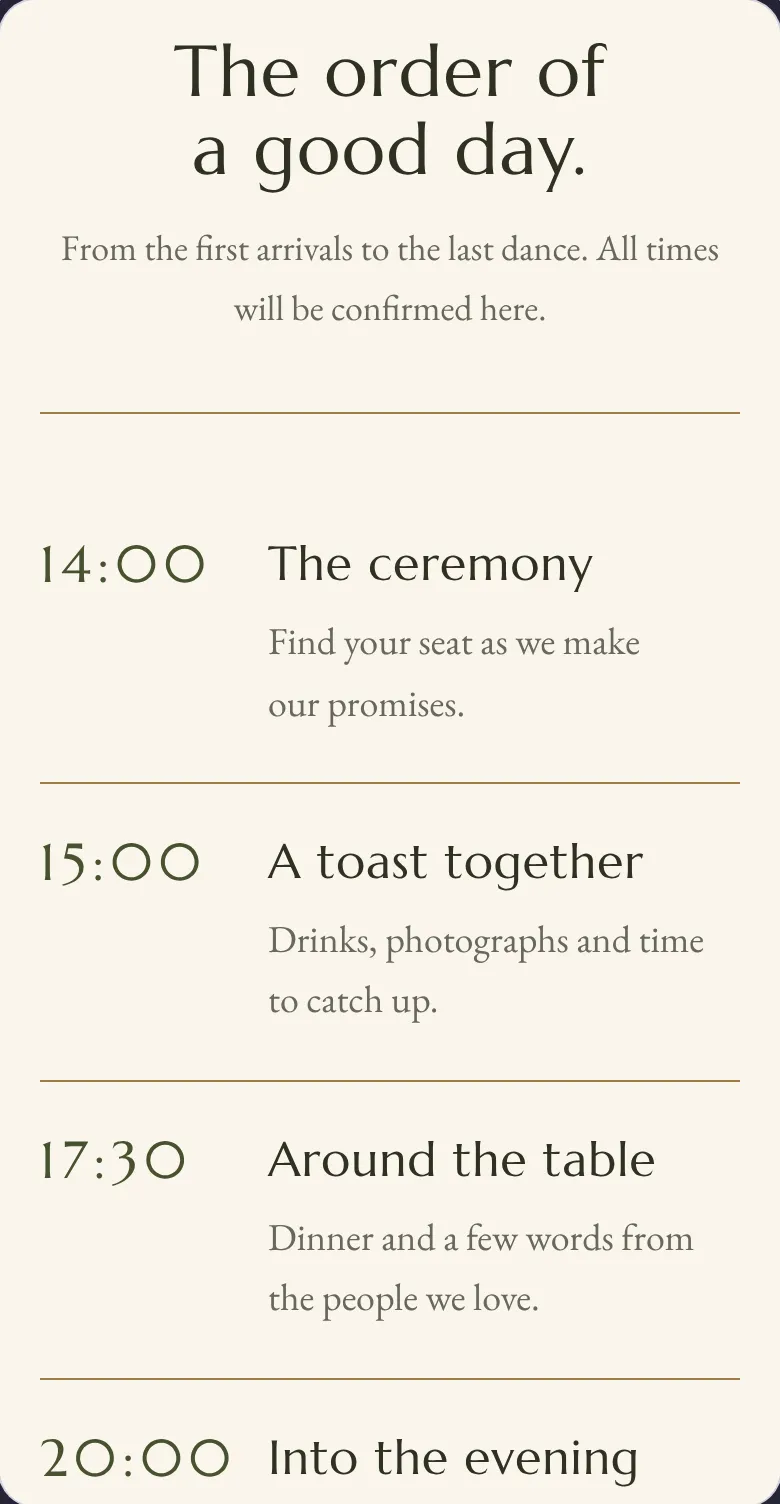
RSVPs without spreadsheets and phone calls
An online RSVP saves more work than anything else on the site. Each guest fills in a short form, and you have all the answers in one place.
Only ask what you really need:
- their name and whether they're coming,
- who they're bringing and whether kids are coming,
- whether they need a place to stay or a ride,
- any dietary requirements.
People often mention allergies when it comes to food. That's sensitive information, so collect it only to plan the menu and delete it after the wedding.
Put a clear reply-by date at the top of the form. A week before that date, send a short reminder to anyone who hasn't answered.
Gifts and other delicate topics
If you have a gift list or would rather receive a contribution, say so in one warm sentence, like “Having you there is the best gift. If you'd like to give us something, we'd love a contribution toward our honeymoon.” Don't put your bank account number on a public site; send it to guests separately.
The same goes for kids: if it's an adults-only wedding, say so plainly and kindly. Guests will appreciate that more than having to read between the lines.
Privacy: who can see it
A wedding website has names, a date and places on it. Only put on it what you'd be fine with a stranger seeing. Leave your home address and your parents' phone numbers off it.
How to share it with guests
Your site is ready. Now it has to reach everyone, from your friends to your grandmother.
- A link in a digital invitation. Email, WhatsApp or Messenger. Add one line: “Everything about our day, plus the RSVP, is here.”
- A QR code on printed invitations. Make it big enough to scan easily, and test it on a few different phones before printing.
- A short address. If someone has to type it from paper, keep it short and simple.
- A reminder before the wedding. A week before the day, send the link again, ideally with the schedule.
For older guests who won't open a website, send the schedule and addresses on paper too.
After the wedding
The site doesn't have to disappear after the big day. Add a thank-you and photos from the day. Ask guests before posting photos they're in, especially if the site is public.
What it must have
- Date, times and addresses for the ceremony and reception, with a map
- The schedule for the day
- Travel, parking and places to stay
- Dress code
- An RSVP form with a reply-by date
- A contact person who isn't the couple
- A decision on who can see the site
FAQ
When should a wedding website go live?
No later than the invitations, so guests find everything from the start. If you're sending save-the-dates, the site can go out with them and you can add the schedule later.
How long should it stay online?
As long as you like. Many couples keep it as a keepsake with photos. Do turn off the RSVP form after the wedding and delete the answers you collected.
Give it a try
A wedding website doesn't have to be one more item on an endless list. In Klikuno you pick a wedding look, add your schedule and venues, and let Ask help with the words.
Ready when you are
Your corner of the internet is waiting.
Free while in early access
