How to make a café website (and what it needs)
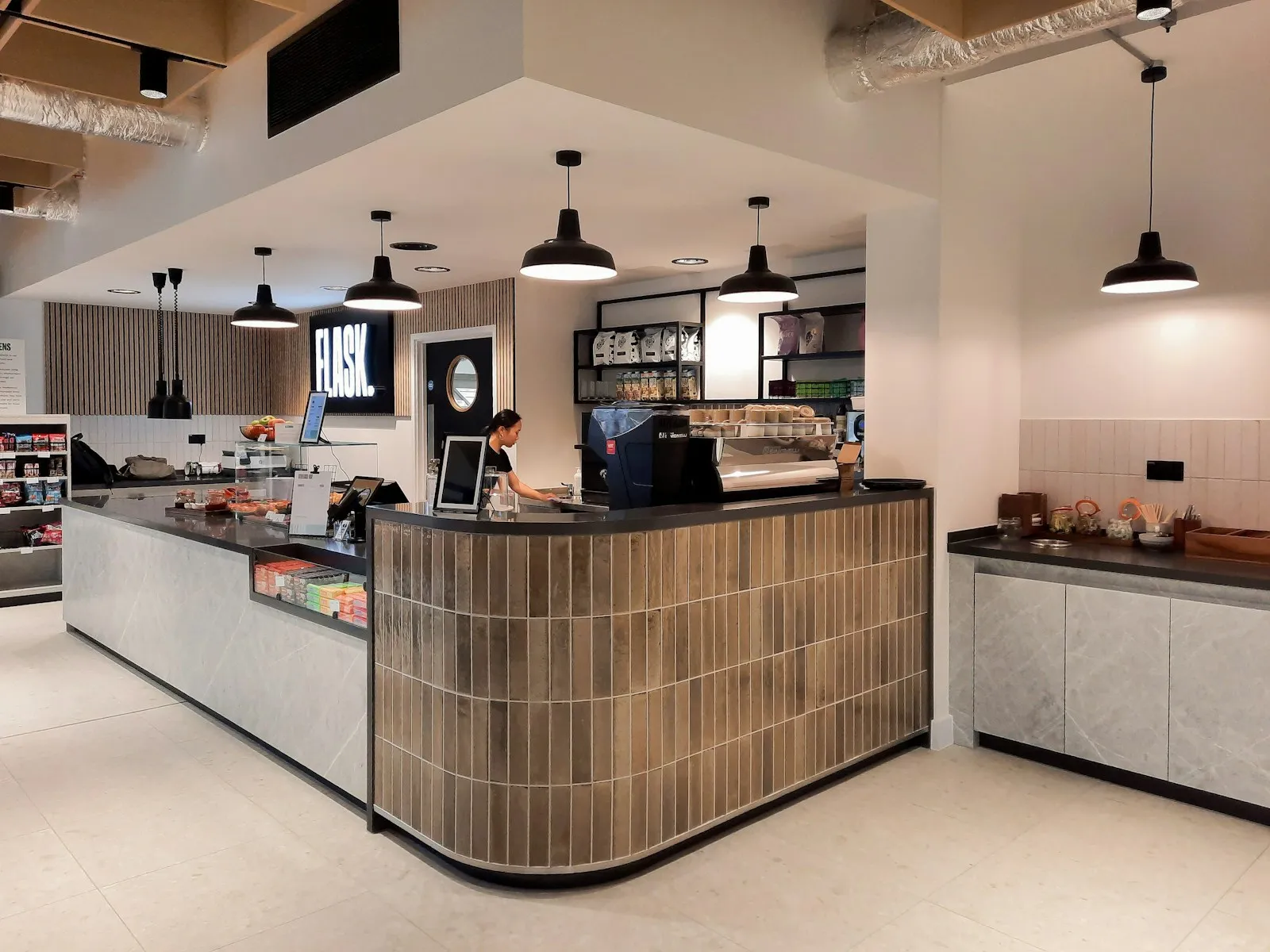
Most people find a café on their phone, often while standing a street away. They want three answers fast: are you open, what's good, and how do they get there. This guide walks through what a café website needs, in what order, and how to put it together in one evening.
Start with who's looking
Your café has more than one kind of customer. Picture a few of them:
- a student looking for Wi-Fi, a power outlet and a table for the afternoon,
- a visitor exploring town who wants a good flat white near the main square,
- a parent with a stroller who needs to know if there's a step at the door.
Write down two or three people like that and the one thing each must find right away. That list tells you what goes at the top of the page.
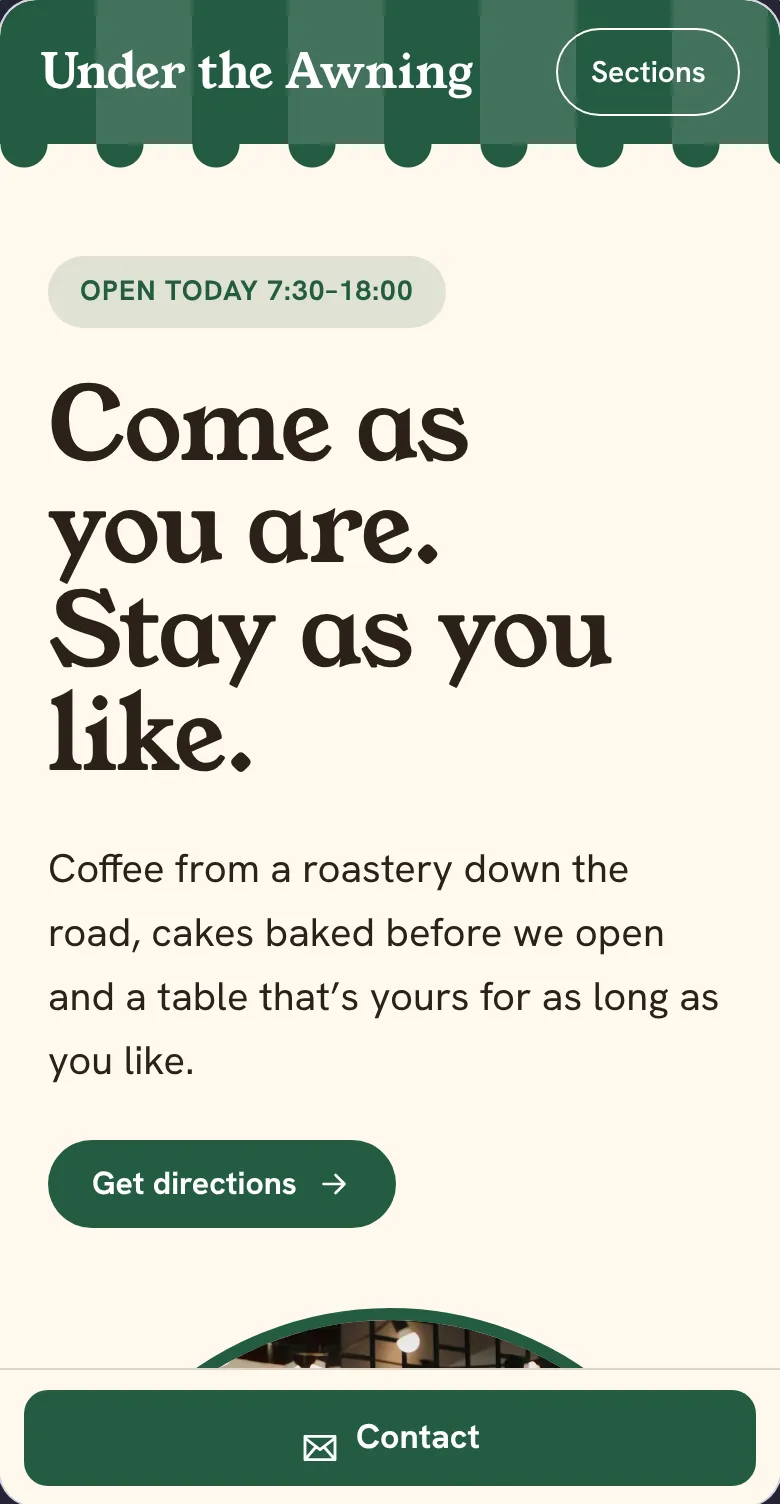
The first screen: who you are and when you're open
On a phone, the first screen is the only part some visitors ever see. Put these on it:
- your café's name,
- one sentence about what makes you different,
- today's opening hours,
- a Get directions or Call us button.
That one sentence matters. “Welcome to our website” says nothing. “Specialty coffee and homemade cakes, two minutes from the main square” tells people what you serve and where you are.
A menu people can actually read
The menu is usually the most visited part of a café website. A few rules make it work:
- Type it out, don't upload a photo or a PDF. Text reads well on a phone without zooming, and search engines can read it too. When someone searches for “oat milk flat white” in your town, text helps them find you.
- Group it. Coffee, tea, other drinks, breakfast, sweet, savory.
- Keep prices in sync. If you change the prices behind the counter, change the website the same day.
- Answer the usual questions. Plant-based milk, gluten-free or vegan cakes, whether people can bring their own cup for takeaway.
- Think about allergens. In the EU, food businesses have to give allergen information for the food they sell, and some countries add their own rules on top. Check with your local food authority.
If you also serve a lunch menu that changes, give it its own spot. There's a separate guide on putting your daily menu on your website.
Opening hours and holidays
Opening hours are the most checked detail on any café website. Put them on the first screen and again in the footer.
- Make sure they match your Google Maps listing. When your site and Google disagree, people trust neither.
- Before holidays or a vacation, add a short note at the top: “Closed 25 and 26 December, back on the 27th at 8:00.”
- If you keep different hours in summer and winter, say so.
Not on Google Maps yet? See how to get your business on Google Maps.
Help people find the door
Write your address as text, not just as a map pin. Add the map underneath, then a few practical lines:
- where to park, or the nearest bus or tram stop,
- whether the entrance is step-free,
- whether dogs are welcome,
- whether you have outdoor seating and when it's open.
These small details save you phone calls and help people decide to come.
Photos that look like your place
Your own photos work best. People will expect the cup and the room they saw online, so show them the real thing.
- Shoot during the day, near a window, without flash.
- One wide shot of the room, one of the outdoor seating, and three to five close-ups of drinks and cakes is plenty.
- If customers or staff are in the picture, ask them first.
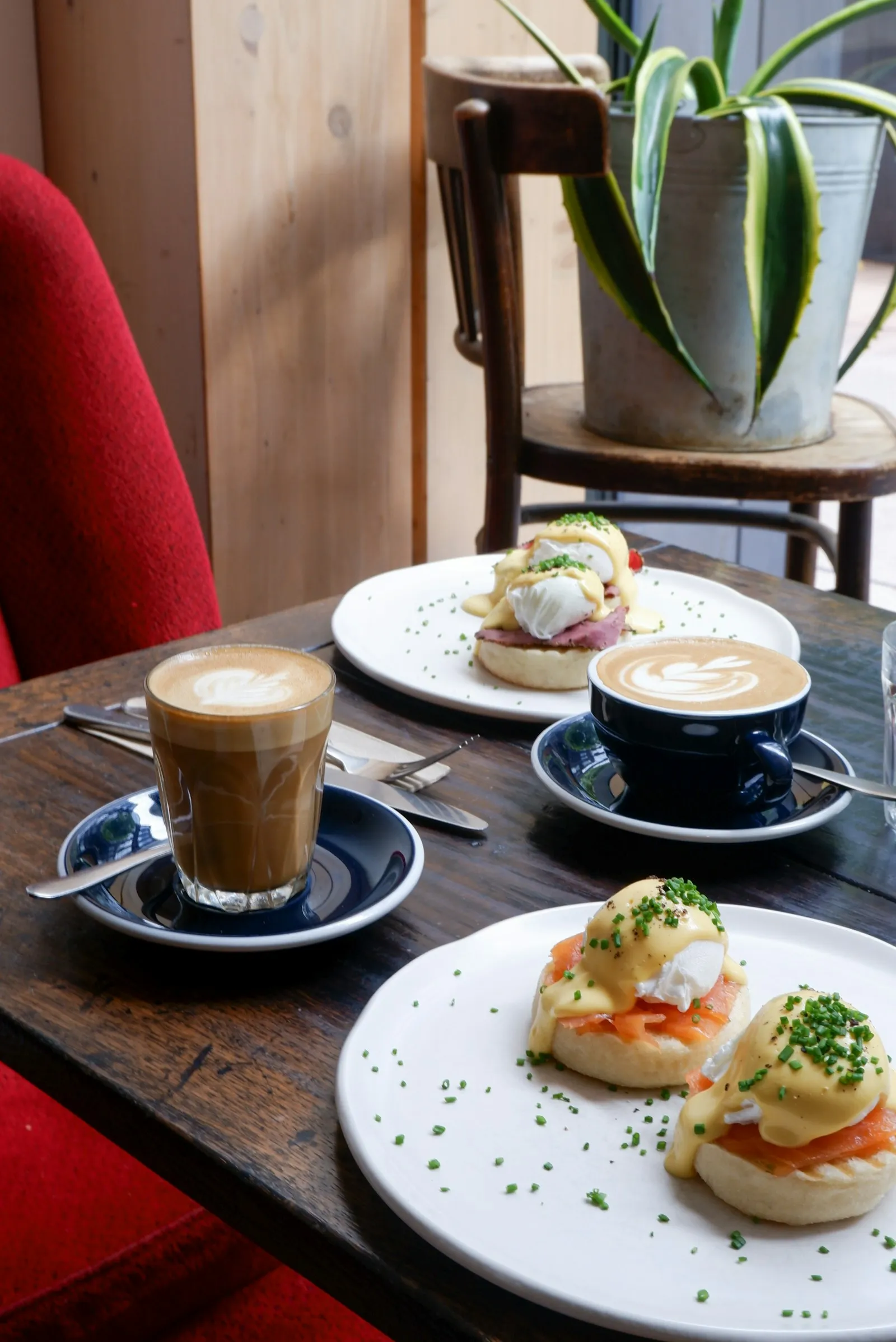
No photos yet? Free photo sites like Unsplash and Pexels currently allow commercial use, which can tide you over. Still, check the license for every photo you use. Never take photos from other businesses' websites, Google results or Instagram.
An About section in three sentences
Skip the essay. Three sentences cover it: who runs the place, where the coffee comes from, and what's different about you. For example:
We're Sam and Lena, and we opened this café in an old bookshop by the river. Our beans come from a small roaster in the next town, and we bake every cake here each morning. Grab the long table by the window and stay as long as you like.
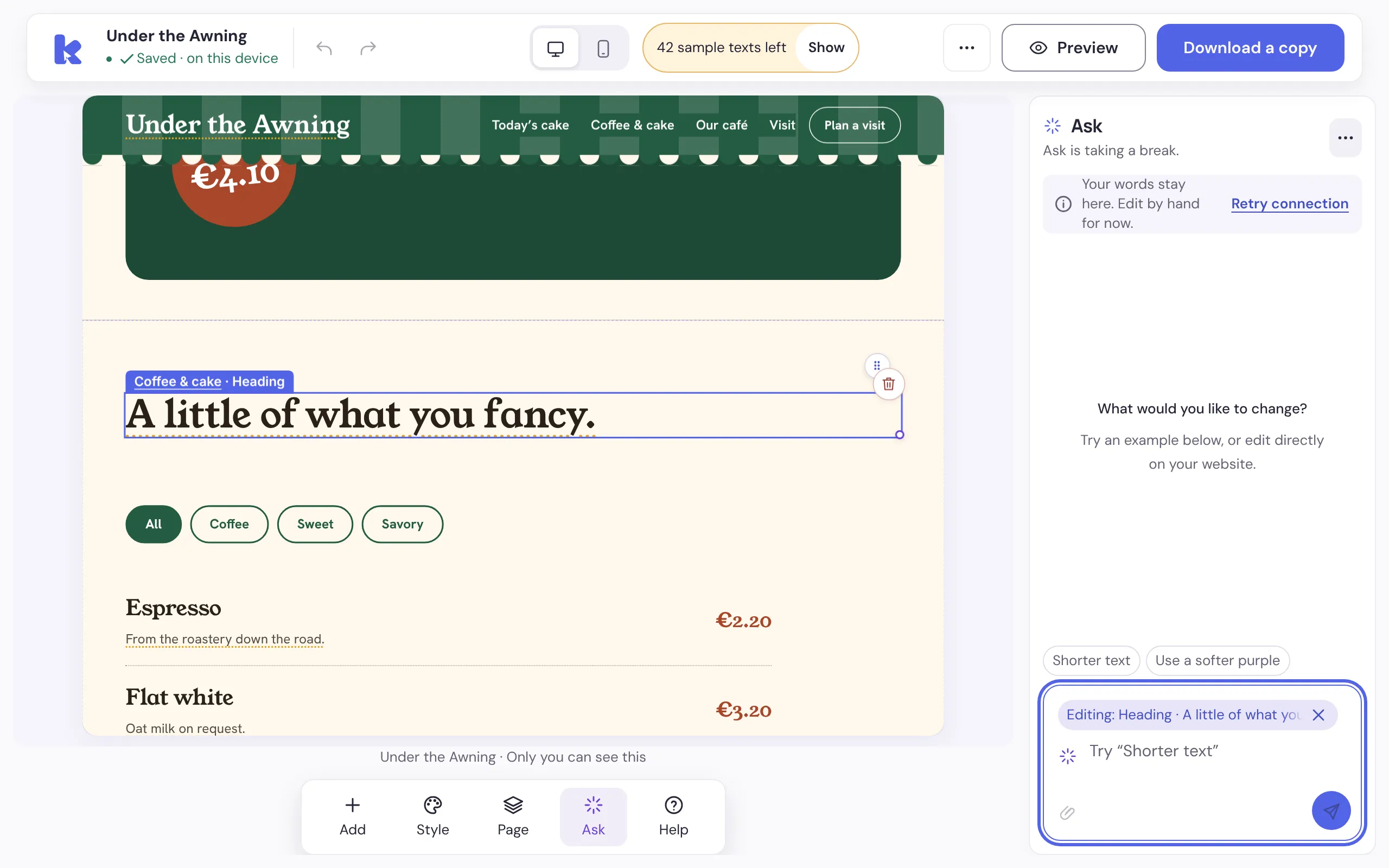
Stuck on the words? Give Ask, Klikuno's writing helper, a few facts and let it draft the text. Then edit it until it sounds like you.
Contact and events
Make your phone number a tap-to-call link. Add an email address and a link to Instagram or Facebook. If you host birthdays, book clubs or private events, explain how to book and how many people fit.
Your one-evening plan
- Pick a café look.
- Rewrite the first sentence, your opening hours and your address.
- Add the menu in groups.
- Upload photos and write three sentences for About.
- Check the site on your phone and tap every button.
- Publish it and add the link to Google Maps and Instagram.
What it must have
- One sentence about who you are and what makes you different
- Opening hours that match Google Maps
- A typed menu with prices
- Address, map and how to get there
- Your own photos, or properly licensed ones
- A tap-to-call phone number
- A link to Instagram or Facebook
FAQ
Does a café need a website if it has Instagram?
Instagram is great for mood, but menus and opening hours are hard to find there. A website shows up in search, keeps the facts in one place, and belongs to you. They work best together.
How many pages should a café website have?
For most cafés, one longer page is enough: intro, menu, about, photos and contact. Extra pages make sense once you run lots of events, catering or sell beans online.
How often should I update it?
Opening hours and menu every time they change. Photos and text, about once a season. An outdated menu online annoys people more than no menu at all.
Give it a try
A café website doesn't have to be a big project. In Klikuno you pick a café look, swap in your own text, and let Ask help with the About section before your coffee gets cold.
Ready when you are
Your corner of the internet is waiting.
Free while in early access
